
Play Fruit Mahjong 3D Online Free
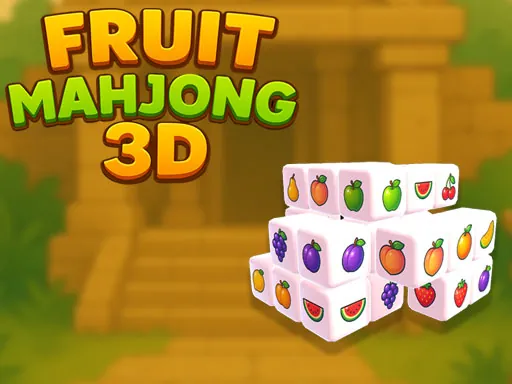
Fruit Mahjong 3D adds depth and rotation-style thinking to tile matching. Look around the structure, identify open fruit tiles, and clear matches without losing track of hidden layers.
How to Play Fruit Mahjong 3D
Use mouse or touch to inspect the board and select matching fruit tiles. The main task is to match fruit tiles across a 3D mahjong layout. Your goal is to clear the full structure by finding valid matches. The main challenges are layered tiles, blocked angles, and similar fruit symbols. Aim to remove all available fruit tile matches.
Game Controls
- Keyboard: Mouse or touch controls; keyboard is not required
- Mouse or touch: Click tiles to select matches; drag or interact with the view if supported
- Mobile: Tap, swipe, or drag depending on the game.
Tips and Tricks
- Check the outer edges before working inward.
- Rotate or inspect the board often if the game allows it.
- Prioritize matches that reveal covered layers.
- Slow down when fruit icons look similar.
Features
- Free to play in your browser
- No download or app install required
- Works on desktop and mobile browsers
- Fast loading HTML5 gameplay
FAQ
Is Fruit Mahjong 3D free to play?
Yes. You can play it online for free on Pokopia.
Can I play Fruit Mahjong 3D on mobile?
Yes. Most Pokopia browser games work on phones, tablets, laptops, and desktop computers.
Do I need to install anything?
No. Fruit Mahjong 3D runs directly in your browser.